What to Prepare for a Home Address
Home verification requires different evidence because customers typically do not visit the property. Instead, Google looks for proof that real business activity takes place there.
Start by showing your branded vehicle or work vehicle outside the home. A fully wrapped truck provides the strongest evidence, but branded magnets are also recommended. Then continue your live video into your home office without stopping the recording.
Inside, be ready to show:
- Business cards with your business name
- A computer with your CRM open
- Customer invoicing or dispatch software
- Business equipment or tools used to provide your services
These items help demonstrate that your business exists and is actively managed from that location. Google also recommends showing supporting materials such as marketing materials, registration documents, invoices, or utility bills when appropriate.
Home verification is absolutely possible, but it requires more operational proof than simply recording the outside of your house.
Requirement #3: Gather Business Documents That Match Your Google Business Profile
Before starting the Google Business Profile verification process, gather your supporting documents, even if Google hasn’t requested them yet. Having everything ready can save time if you need to respond to a request for additional proof or go through re-verification.
The most important rule is simple: every document should clearly show your business name and the business address you’re verifying.
If a document only lists your personal name or uses a different address, it may create verification issues or make it harder for Google to confirm your business profile.
Start with your official business registration documents, such as your Secretary of State registration, articles of incorporation, or organization. Then gather other records that connect your business to the location, including:
- Lease showing the business name and address
- Utility bills with the business name and address
- Official business bills
- Banking documents
- IRS EIN confirmation
- Other non-sensitive business documents that support your business information
Review each document before you verify your profile. Double-check that your business details, spelling, and contact details match across your website, documents, and Google Business Profile.
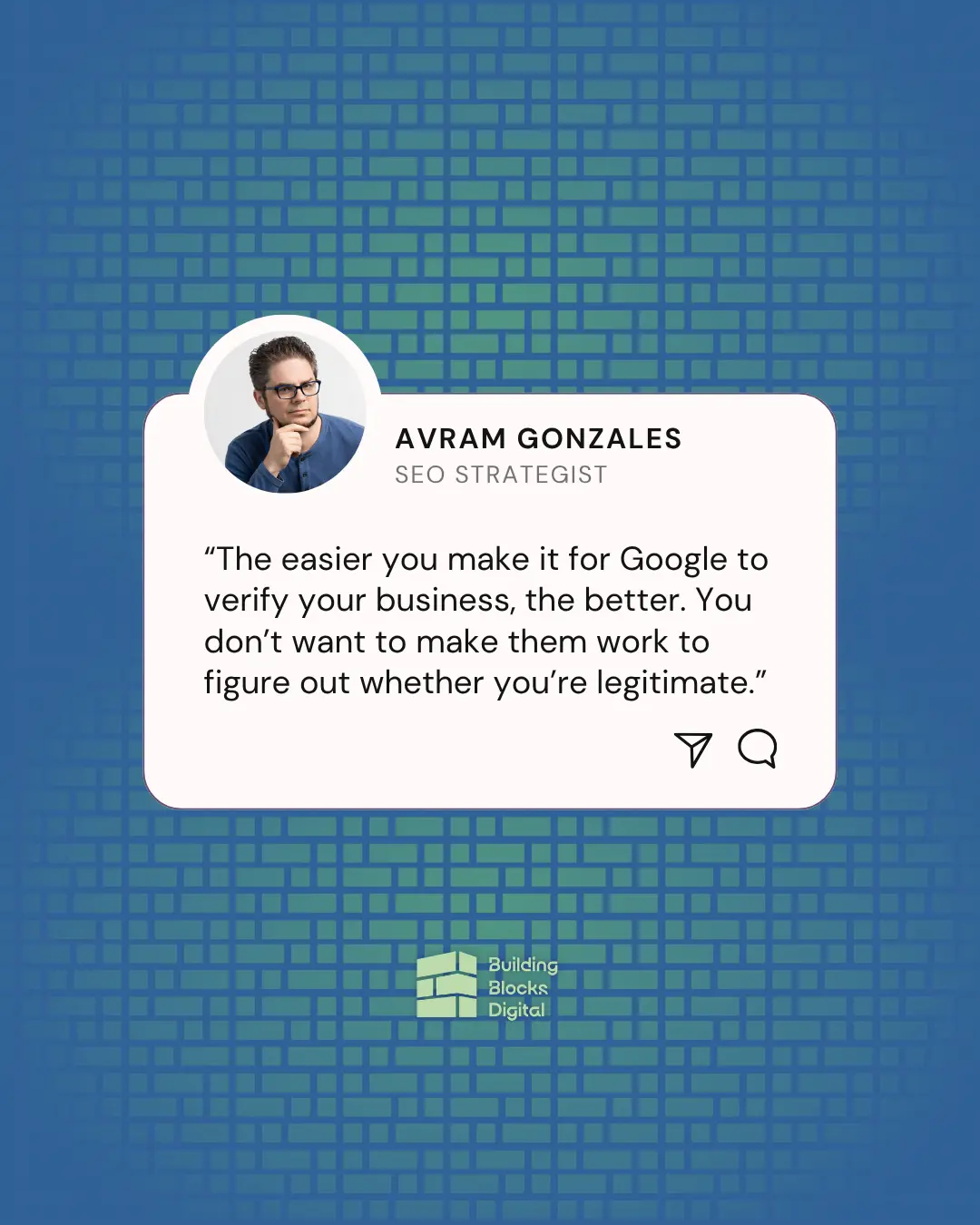
“The easier you make it for Google to verify your business, the better. You don’t want to make them have to work to figure out if you’re legit or not.”
Clear, consistent proof makes it easier for Google to verify your business and can help avoid unnecessary delays during the verification timeline.
Requirement #4: Build a Clear Online Presence Before Verification
A strong online presence won’t guarantee approval, but it can give Google more consistent signals that your business exists and is legitimate. Before beginning Google Business Profile verification, create a complete digital footprint that supports your business profile.
Create a Basic Business Website
Your website doesn’t need to be elaborate, but it should clearly display your:
- Business name
- Logo
- Business address
- Phone number and other contact details
- Hours of operation
- Services
Keep this information consistent with your Google Business Profile and other online listings. A complete website also supports local SEO, improves local visibility, and helps potential customers find you through local searches, Google Search, Google Maps, and other search results.
Connect Your Website to Google Products
After your website is live, connect it to Google’s business tools before starting the verification process.
The recommended setup includes:
- A paid Google Workspace account
- Google Search Console
- Google Analytics
Use your Google Workspace account when creating or verifying your Google Business Profile. Then connect your website to Google Search Console and Google Analytics to build a more complete Google ecosystem around your business.
These tools are not official requirements, and they do not guarantee instant verification. However, they can strengthen your online presence, and the source material notes that some businesses have completed business profile verification more easily after setting them up.
Ultimately, Google offers different verification options based on your business. Your verification method may include live video verification, email verification, or other methods that Google sends automatically. Contractors cannot choose their preferred verification method, so it’s best to prepare for video verification even if another option becomes available.
Final Pre-Verification Checklist for Contractors
Complete this checklist before starting your Google Business Profile verification.
Address Checklist
- Use a real business address
- Confirm you’re using the same address across your documents and website
- Do not use a PO box or temporary location
- Decide whether customers visit your location or if you should operate as a service area business
Visual Proof Checklist
Commercial Location
- Permanent exterior signage
- Building directory
- Permanent suite or front door signage
Home Location
- Branded vehicle or work vehicle
- Home office
- Business cards
- CRM, invoices, or dispatch software
- Business equipment
Plan your live video route before recording so you can clearly show your business operations in one continuous video.
Documentation Checklist
- Secretary of State registration
- Articles of incorporation or organization
- Lease
- Utility bills
- Banking documents
- EIN confirmation
Make sure your business name, address, and business details match across every document.
Online Presence Checklist
- Website
- Consistent business information
- Matching contact details
- Google Workspace
- Google Analytics
- Google Search Console
The more complete your preparation is, the easier it is for Google to evaluate your Google Business Profile verification request and reduce avoidable verification issues.
Prepare the Proof Before You Start Google Business Profile Verification
The goal of Google Business Profile verification is to clearly demonstrate that your business exists, business operates at the listed business location, and is managed by you. The easier you make it for Google to confirm those facts, the smoother the verification process is likely to be.
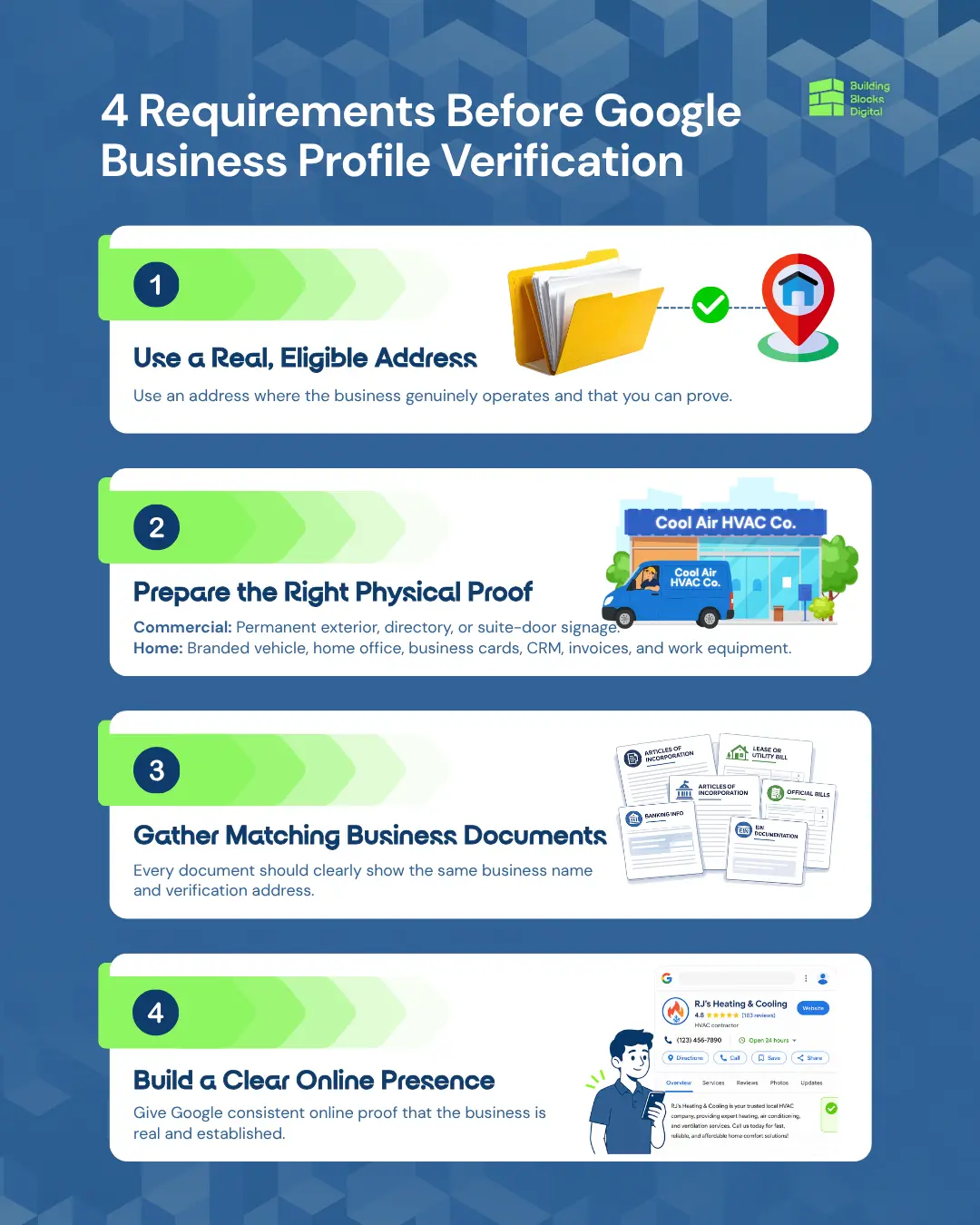
Before you verify your profile, choose a real business address, prepare the right proof for your business type, gather matching documents, and build a consistent online presence.
Download our Get Verified on Google guide and work through the checklist before you start your Google Business Profile verification. If you’d rather have an expert review your eligibility or handle the process with you, schedule a discovery call with the Building Blocks Digital team or call (505) 365-1545.
We’ll help you prepare the right evidence and guide you through the verification process with confidence.
Frequently Asked Questions
What do I need for Google Business Profile verification?
To complete Google Business Profile verification, you’ll need a real business address, a matching business name, and clear proof that your business exists and business operates at that location. Depending on the verification method Google offers, you may also need official documents, a live video, or other supporting evidence during the verification process.
Can service area businesses complete Google Business Profile verification with a home address?
Yes. Many service area businesses use residential addresses to verify their Google Business Profile. If customers visit your location, include the address on your business profile. Otherwise, you can hide it publicly while still using it during business profile verification, provided you have clear proof that the business operates there.
What business documents does Google accept for Google Business Profile verification?
Google may request non-sensitive business documents such as state registration, articles of incorporation, leases, utility bills, banking records, or an EIN confirmation. Before submitting anything, double-check that your business name, business address, and other business details match your Google Business Profile.
Do I need a business sign for Google Business Profile video verification?
If you’re verifying a commercial business location, permanent signage is one of the strongest forms of proof during video verification. For home-based service area businesses, Google typically expects other evidence, such as a branded vehicle, work vehicle, business cards, equipment, and a home office that demonstrates daily business operations.
Why does my Google Business Profile verification keep failing?
Repeated verification issues often happen when your business information, business address, or supporting documents are inconsistent. Before requesting re-verification, review your website, contact details, and business profile to make sure they all tell the same story and clearly show that your business exists at the listed location.